
Phone to phone
Android to Android, iPhone to iPhone, or one of each. The native Callixy apps bring incoming calls to your phone's call screen, including when it is locked. Get the iPhone app from the App Store or the official Android download.
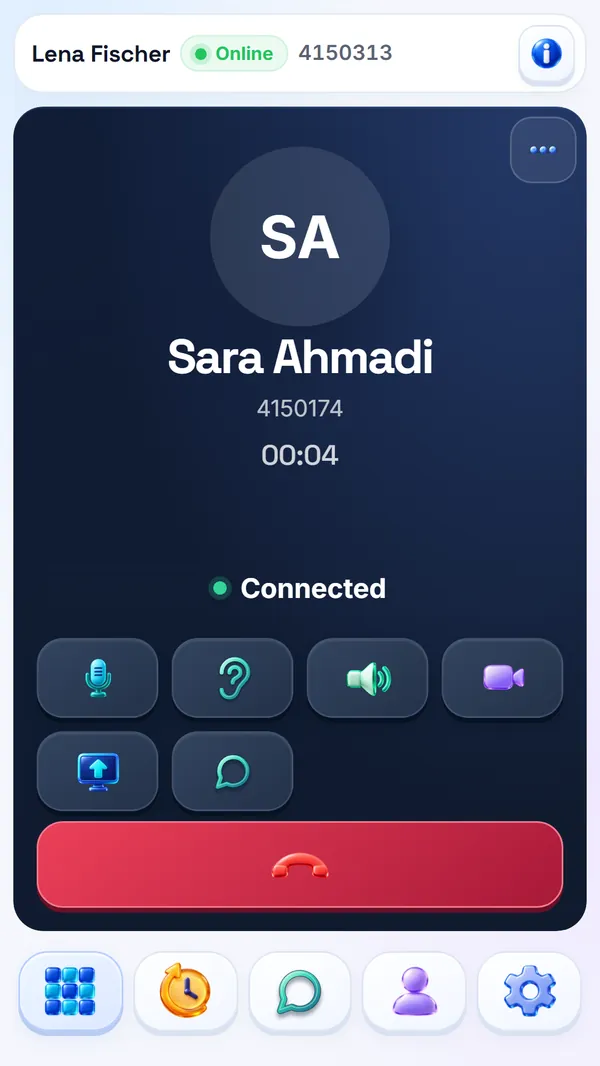
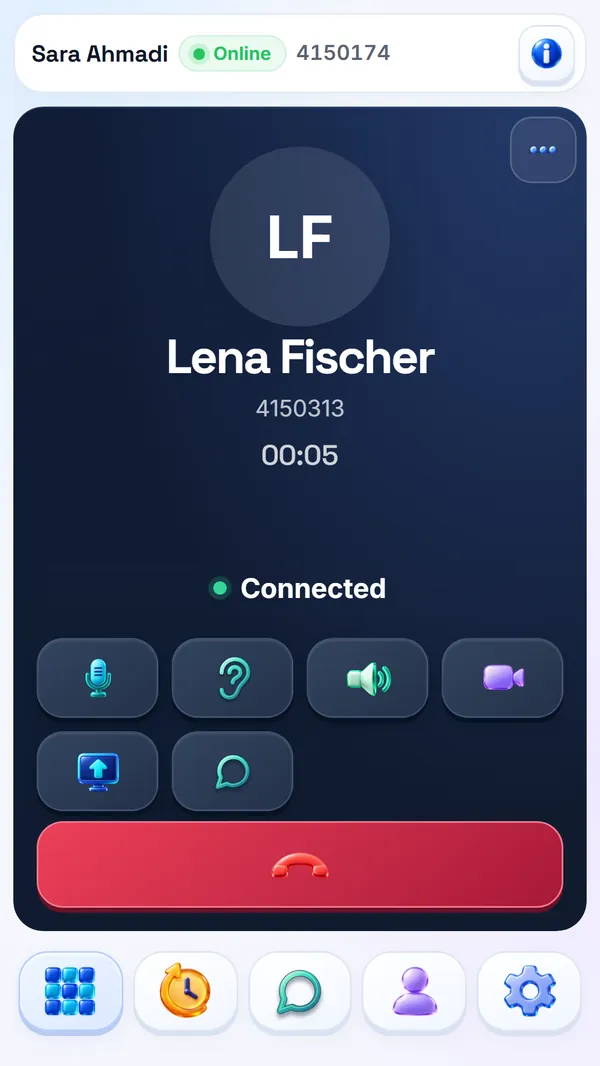
Voice, video and chat between phones and laptops, built to keep talking on slow, unstable or filtered connections.
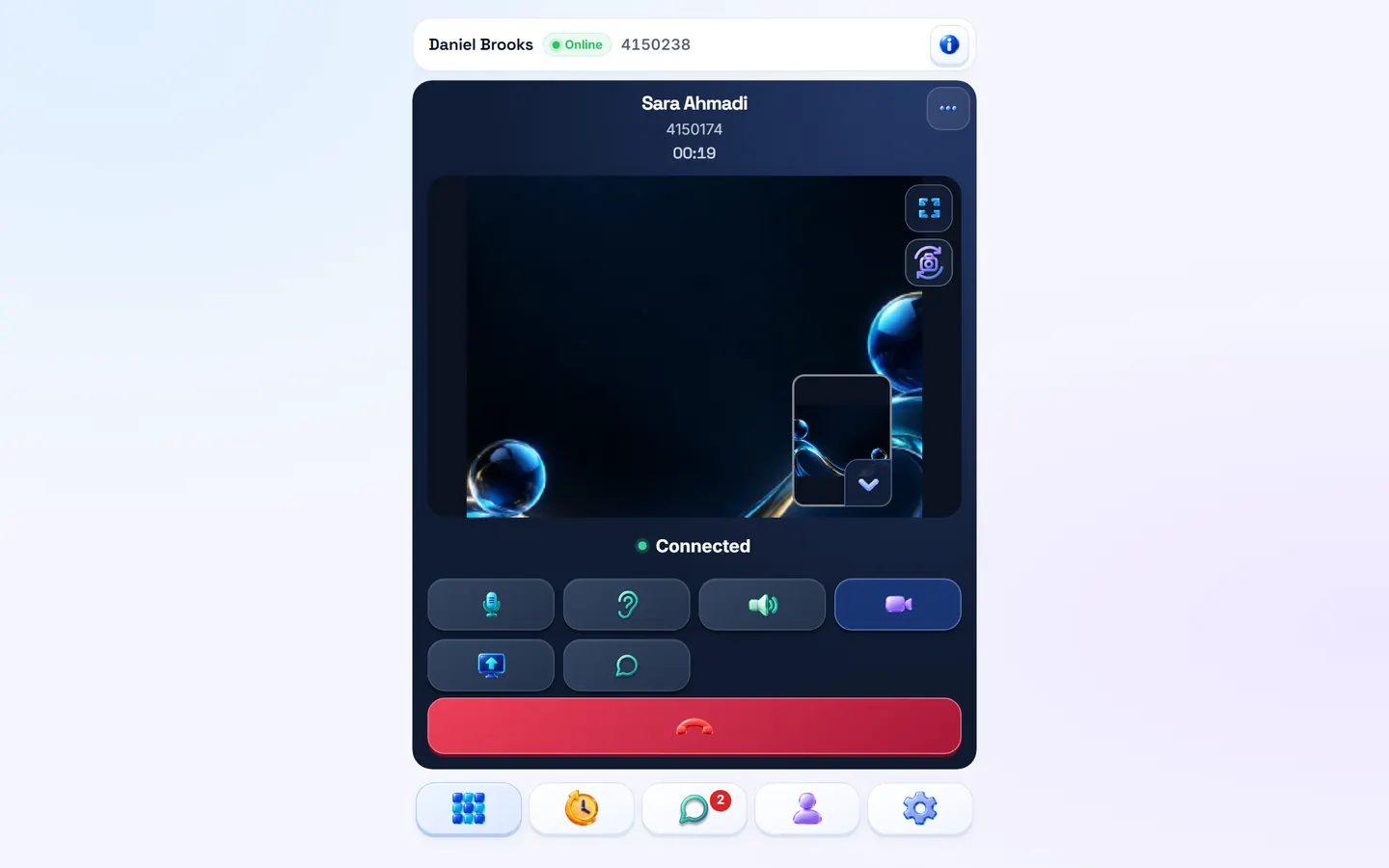
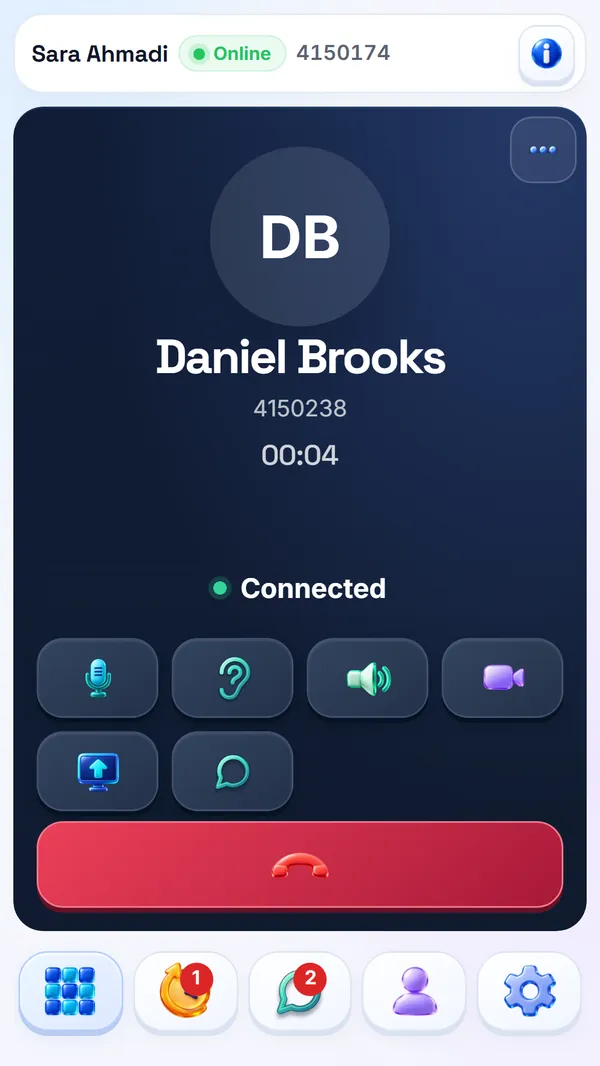
Every Callixy line can call every other line, whatever each person is holding. Voice, video and chat work the same on every pair of devices.
Android to Android, iPhone to iPhone, or one of each. The native Callixy apps bring incoming calls to your phone's call screen, including when it is locked. Get the iPhone app from the App Store or the official Android download.
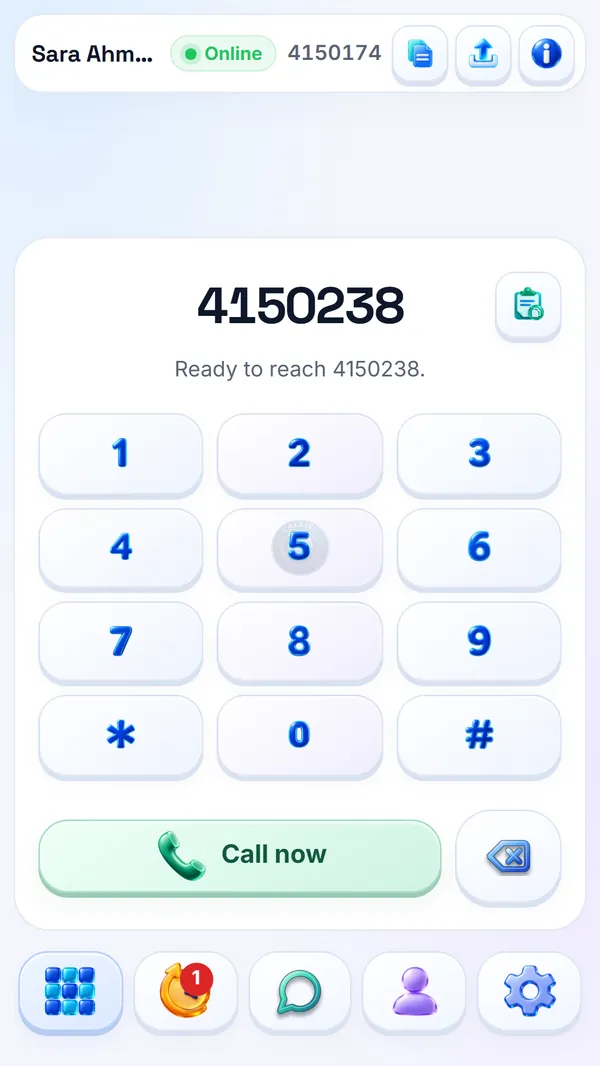
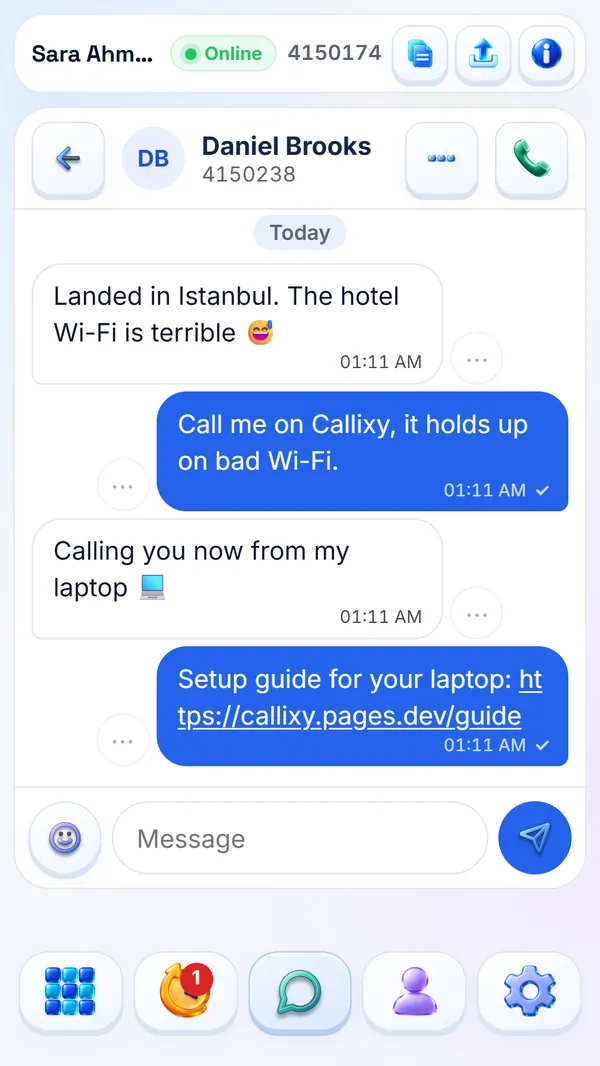
Call a laptop from your phone, or a phone from your laptop. Either side can turn on video, and the laptop can share its screen in the middle of the call.
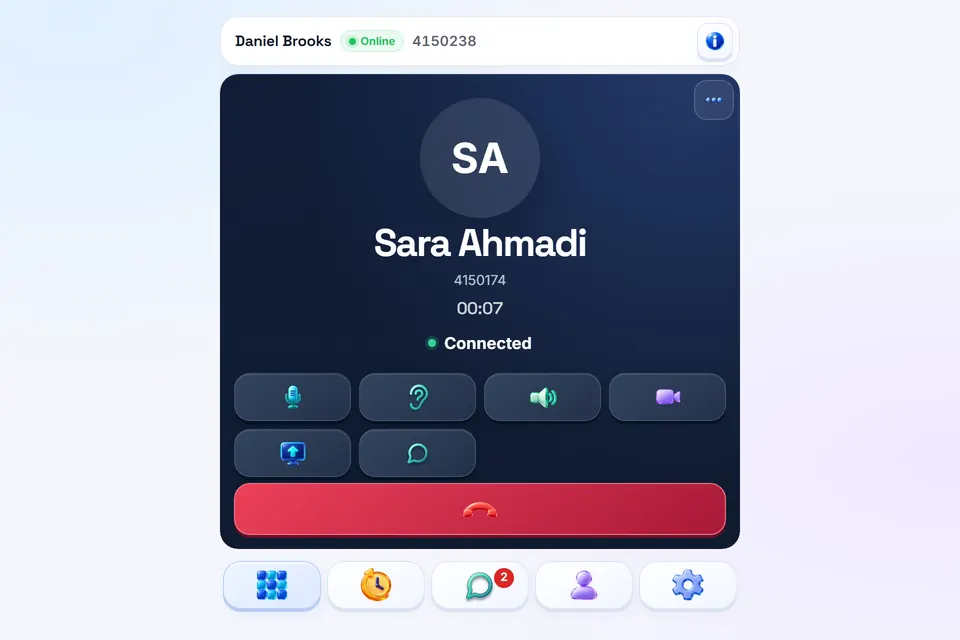
Windows, macOS, Linux or ChromeOS, in Chrome, Edge, Firefox or Safari. Open the site, sign in and call. There is nothing to install, and you can add Callixy to your desktop as an app.
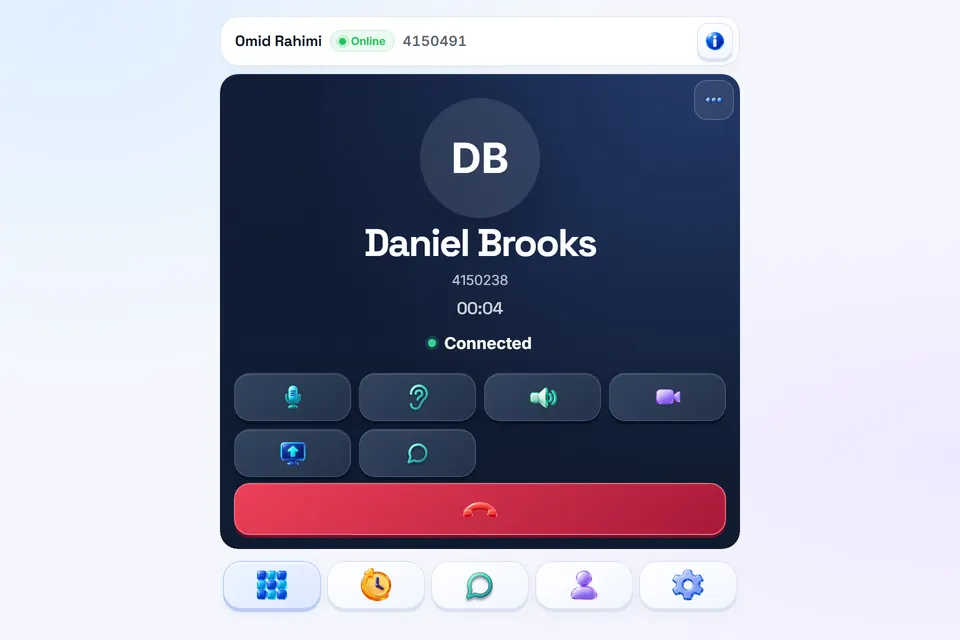
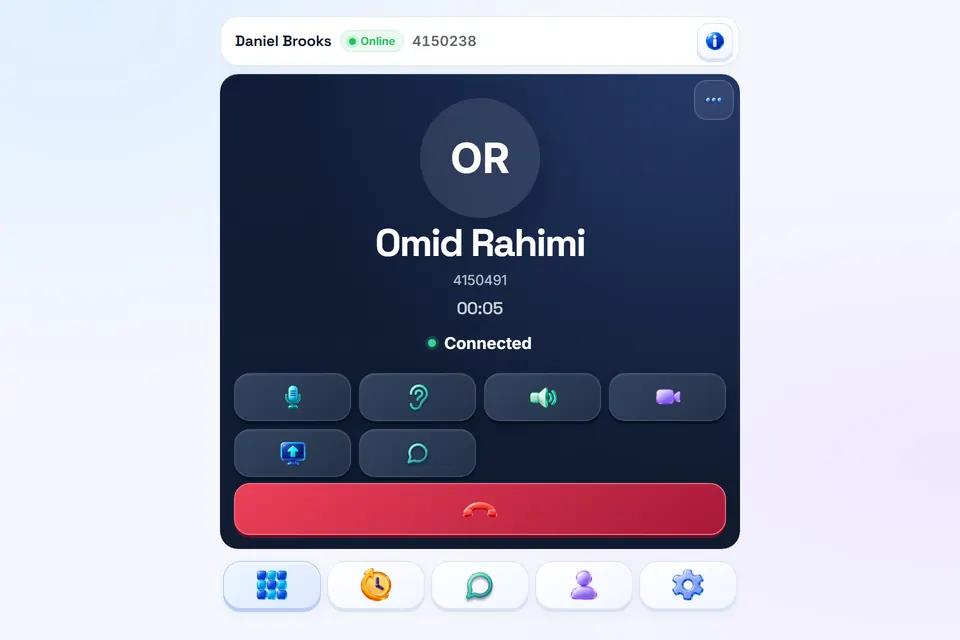
Tablets work in the browser too. A line is signed in on one device at a time: signing in on another device moves the line there, and the first device is signed out.
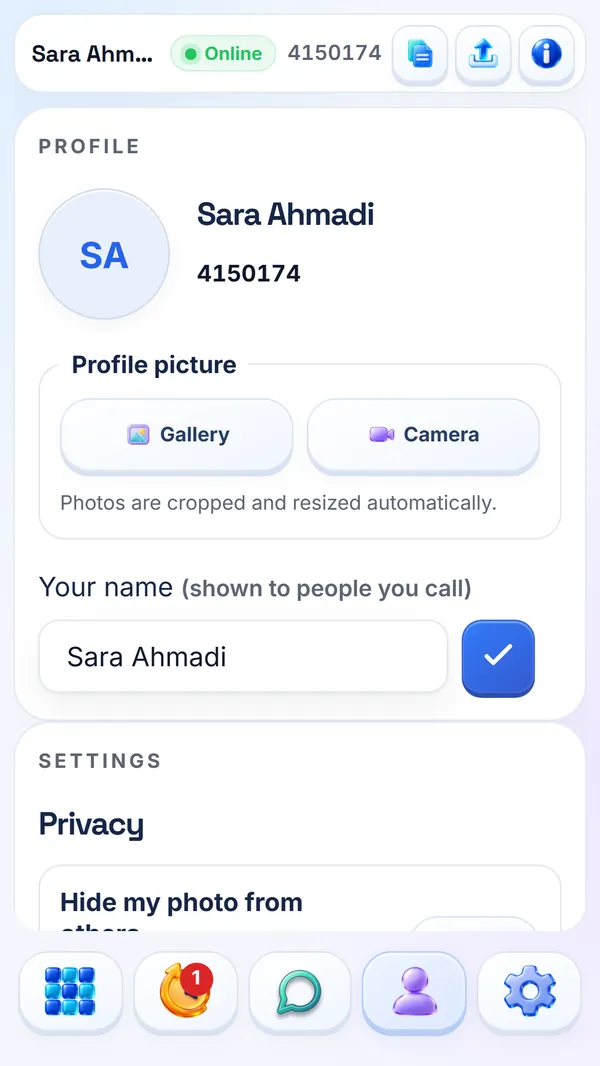
Calls, video, screen sharing, chat and messages under one number, with the same account on every device.
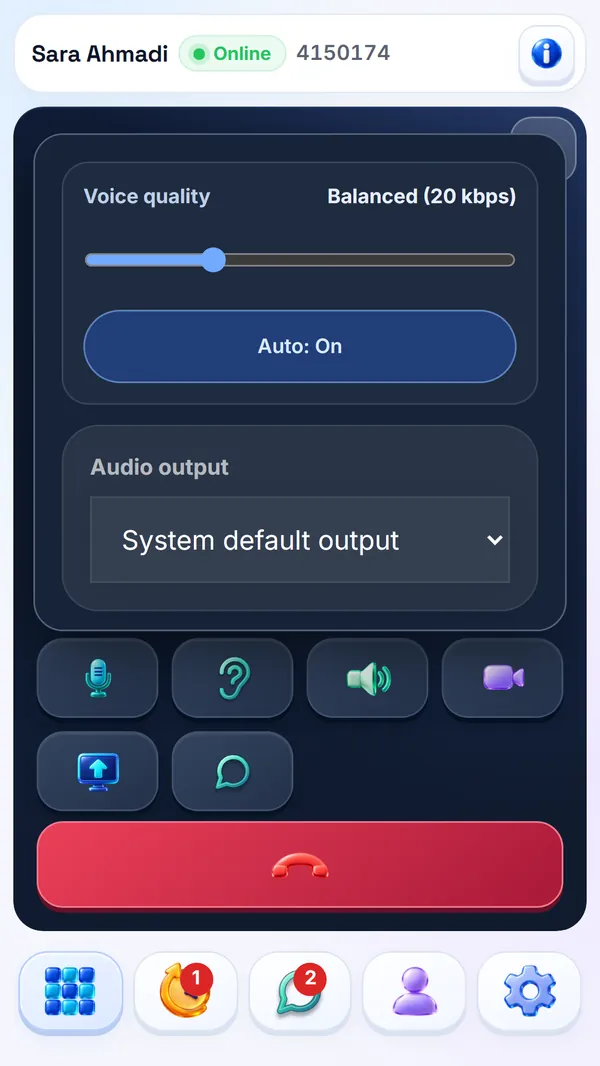
Eight quality steps from 12 to 96 kbps. Auto starts every call on Balanced and moves up or down with the connection. You can also pick a step by hand.
Turn the camera on or off at any point in the call. Choose Auto, Low, Medium or High quality, switch cameras, or go full screen.
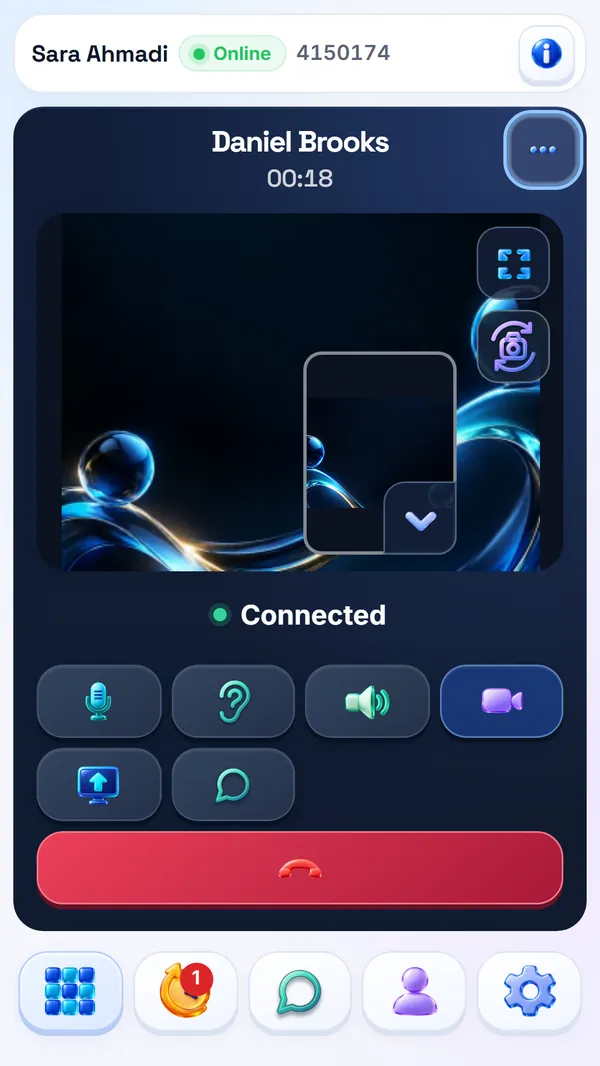
Show your screen from a desktop browser or from the Android app, without ending the call.
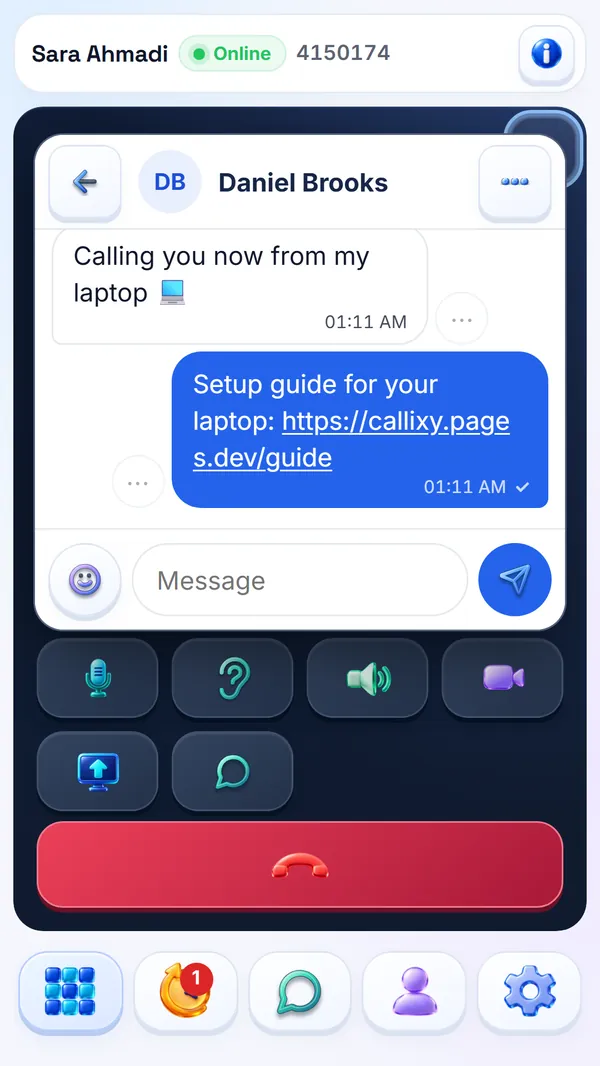
Emoji, links, read receipts and typing. Edit a message for 48 hours, delete it for both of you, and keep chatting during a call.
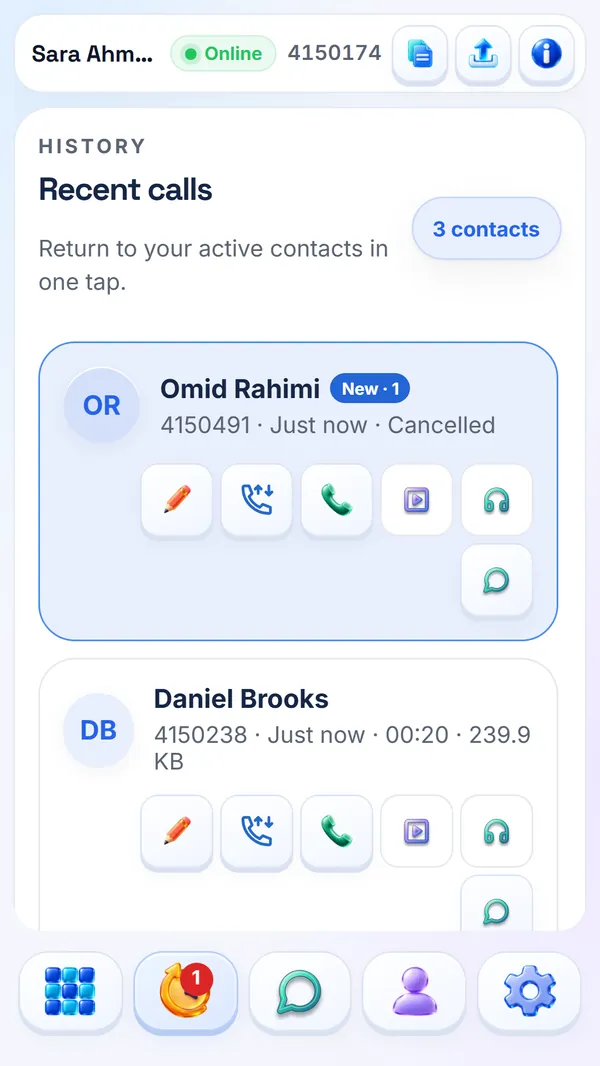
No answer? Leave a message of up to two minutes. It waits in their History for up to 30 days.
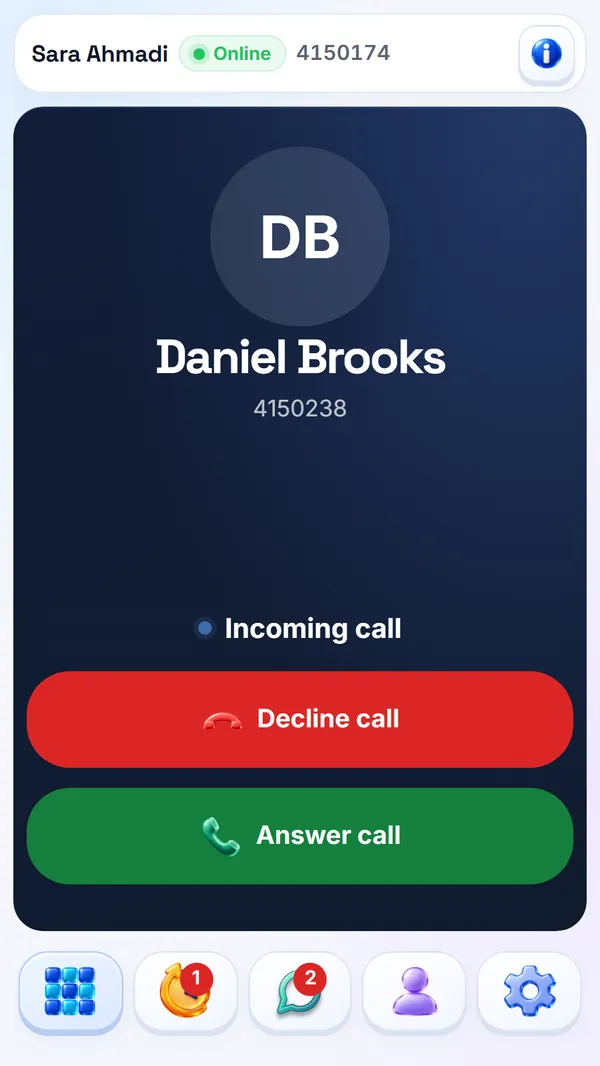
On Android, Callixy rings with a full-screen call, also on the lock screen, and works with the phone's speaker, earpiece and Bluetooth. In a browser or the installed web app, an incoming call shows a notification.
Callixy listens to the sound that actually arrives, not only to the connection status. When it suffers, the call reacts in this order.
Auto steps down toward Rescue (12 kbps) and sends a little redundancy, so a lost packet can be rebuilt from the next one. Silence costs almost no data.
If a direct path is blocked, the call moves to a relay over TLS on port 443, the port most networks leave open. A second, independent relay network stands by.
The connection is restarted and, if needed, rebuilt from scratch while both people stay on the call.
If sound still cannot get through, Callixy sends it over its own server connection instead, encrypted on the device before it leaves.
If the main Callixy server cannot be reached, a separate backup server keeps ringing and call setup working.
A call is only given up after three minutes with no sound on any path.
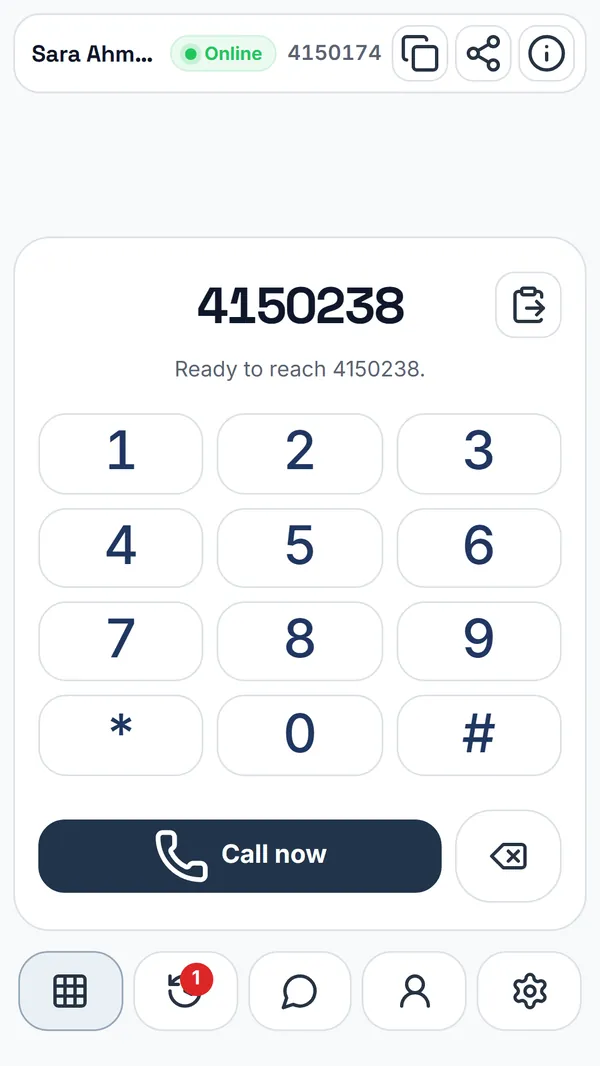
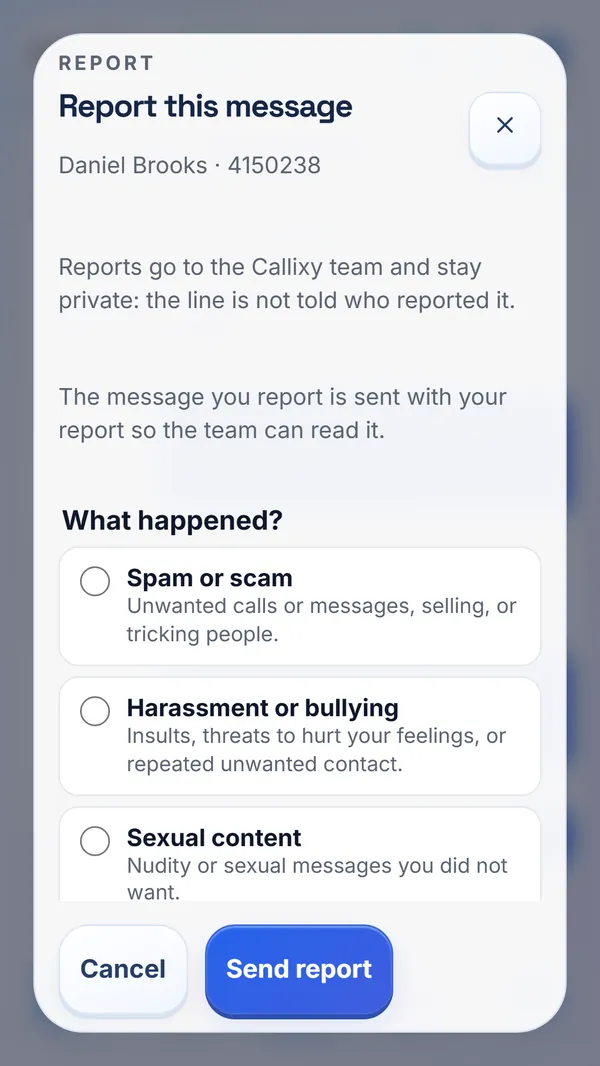
Taken from Callixy as it runs today, on a phone.
The service stores what it needs to connect your calls and show your history on every device. Nothing more.

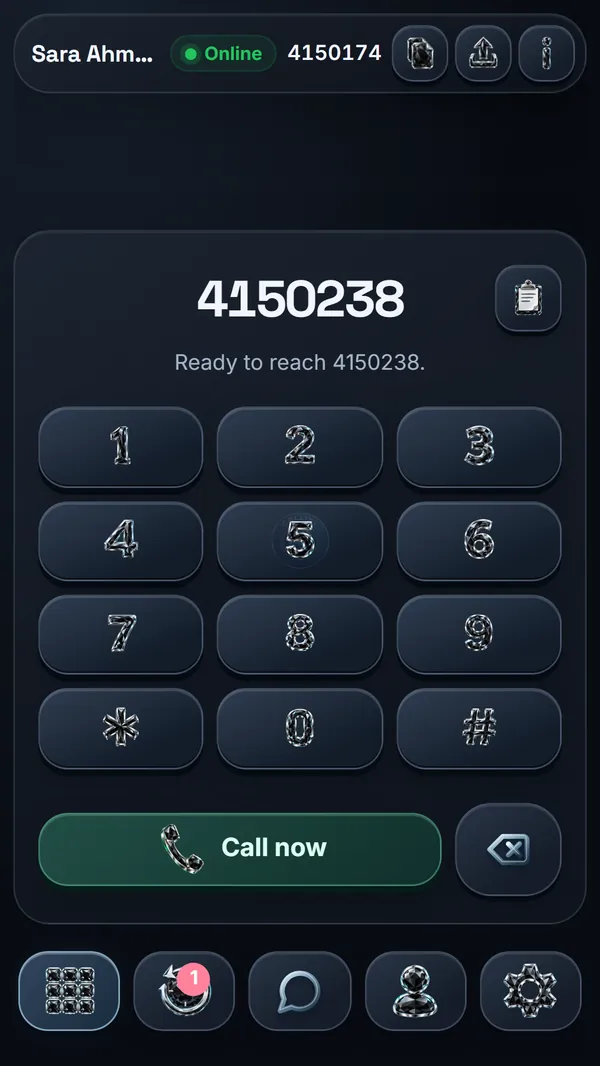
Choose a line number and a password, then call any Callixy line from your phone or your laptop.